Table of Contents
TL:DR
DMARC is a setting on your domain that stops other people sending fake emails pretending to be you. It works alongside two other checks, SPF and DKIM, to confirm an email is genuinely from your business. If you don’t have it set up, scammers can use your domain to send phishing emails, and your own emails are more likely to land in spam.

What is DMARC?
DMARC stands for Domain-based Message Authentication, Reporting, and Conformance. In simple terms, it’s a rule your domain sets that tells email providers like Gmail and Outlook what to do if someone tries to send an email pretending to be from your business.
It works together with two other checks:
- SPF confirms the email was sent from a server your business has actually approved.
- DKIM attaches a hidden digital signature to the email, proving the content wasn’t changed along the way.
- DMARC looks at the results of those two checks and decides what should happen if an email fails them, whether that’s letting it through, sending it to spam, or blocking it completely.
Why this matters for your business
If your domain doesn’t have DMARC set up, it’s easier for scammers to send phishing emails that look like they’re from you, using your business name to trick your customers or suppliers. That’s a real credibility problem, and one that’s out of your hands once it happens, because the damage lands on your reputation, not the scammer’s.
It also affects your own emails. Google’s own guidance for senders is clear that strong authentication matters whether you send large or small volumes of email, and it protects your domain from being spoofed by others. Emails that don’t meet these basics are more likely to be marked as spam or rejected. So DMARC isn’t just about blocking fake emails, it also helps make sure your real ones actually get delivered.
What should you do about it?
Setting up DMARC involves adding a few records to your domain’s DNS settings, alongside SPF and DKIM. It’s not something most business owners need to do themselves, but it is worth knowing whether it’s already in place for your domain.
We manage hosting and website infrastructure for our clients, and domain and DNS setup often comes up as part of that work. While email itself typically sits with a separate provider, we’re happy to point you in the right direction, or loop in the right people, if you’re not sure whether your domain is properly protected.
If you’ve had DMARC come up in a conversation and aren’t sure what to do next, get in touch and we can help you figure out where things stand.
FAQ
Is DMARC the same as spam filtering?
No. Spam filtering happens on the receiving end and looks at things like content and sender reputation. DMARC is set up by the domain owner and specifically verifies that an email is genuinely from that domain.
Do I need DMARC if I use Gmail or Microsoft 365 for my business email?
Yes. DMARC is set at the domain level, not the email platform level, so it applies regardless of which provider you use to send email.
What happens if I don’t set up DMARC?
Your domain remains more vulnerable to being spoofed in phishing emails, and your legitimate emails may be more likely to land in spam or get rejected by major providers.
Could my proposals or campaign emails end up in spam without DMARC?
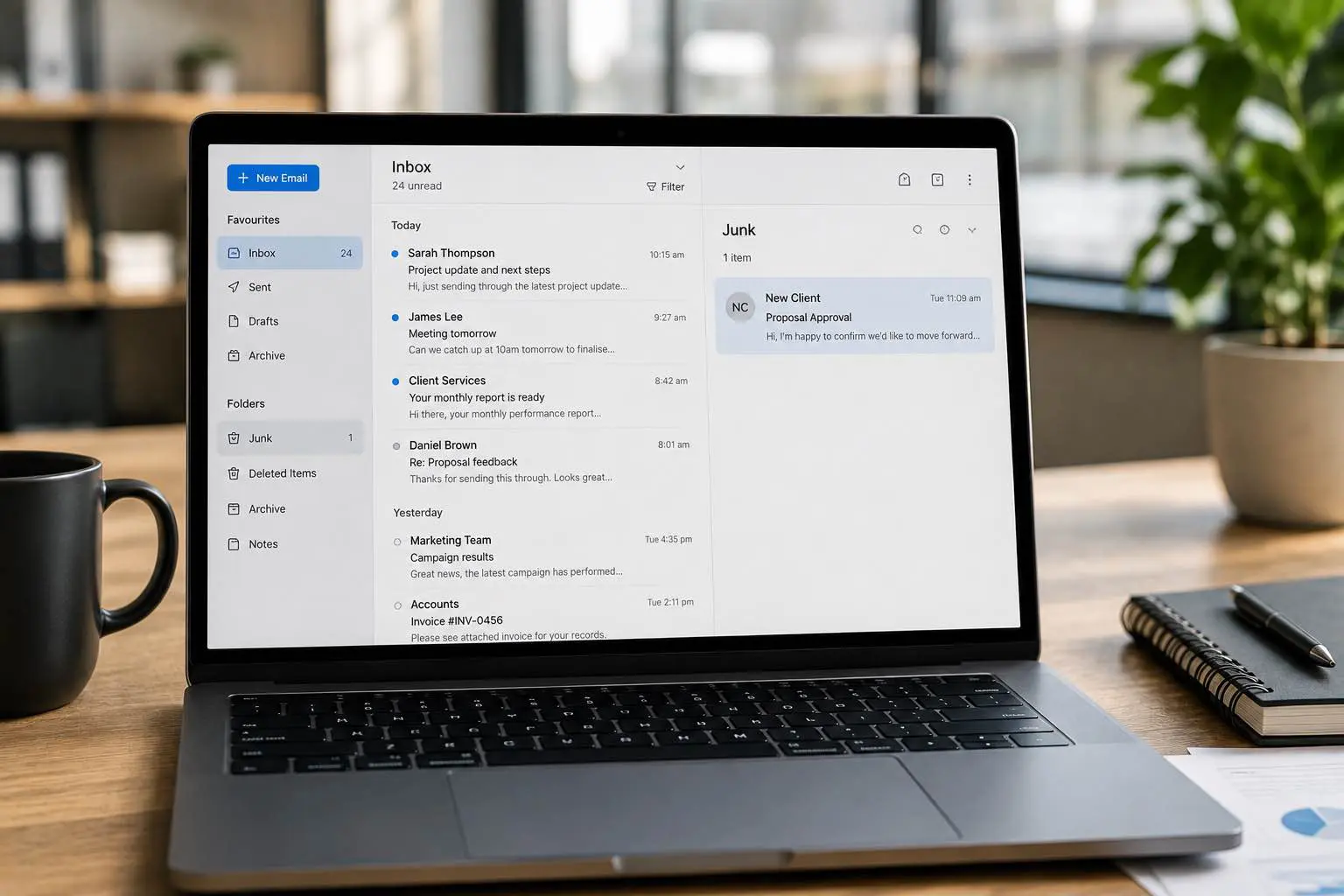
Yes, and this is often the part business owners don’t think about until it costs them. A proposal, quote, or campaign email that lands in spam usually just disappears. Most people rarely check their junk folder, and if they do, it’s a quick scan before deleting everything in bulk.
Unlike a bounced email, there’s no notification telling you it happened, so you may never know a proposal was missed or a campaign underperformed simply because it never reached the inbox.
Once it’s buried in spam, there’s very little chance of getting it back in front of the recipient. Getting your domain authentication right from the start is far easier than trying to recover a lost opportunity after the fact.